Pulls
$29
BuyPulls runs on a Mac with Apple silicon or Intel. There is currently no version for Windows, iPhone or iPad.
You pay once, without an account. And updates are included forever at no extra cost.
Read the manualA still at every marker
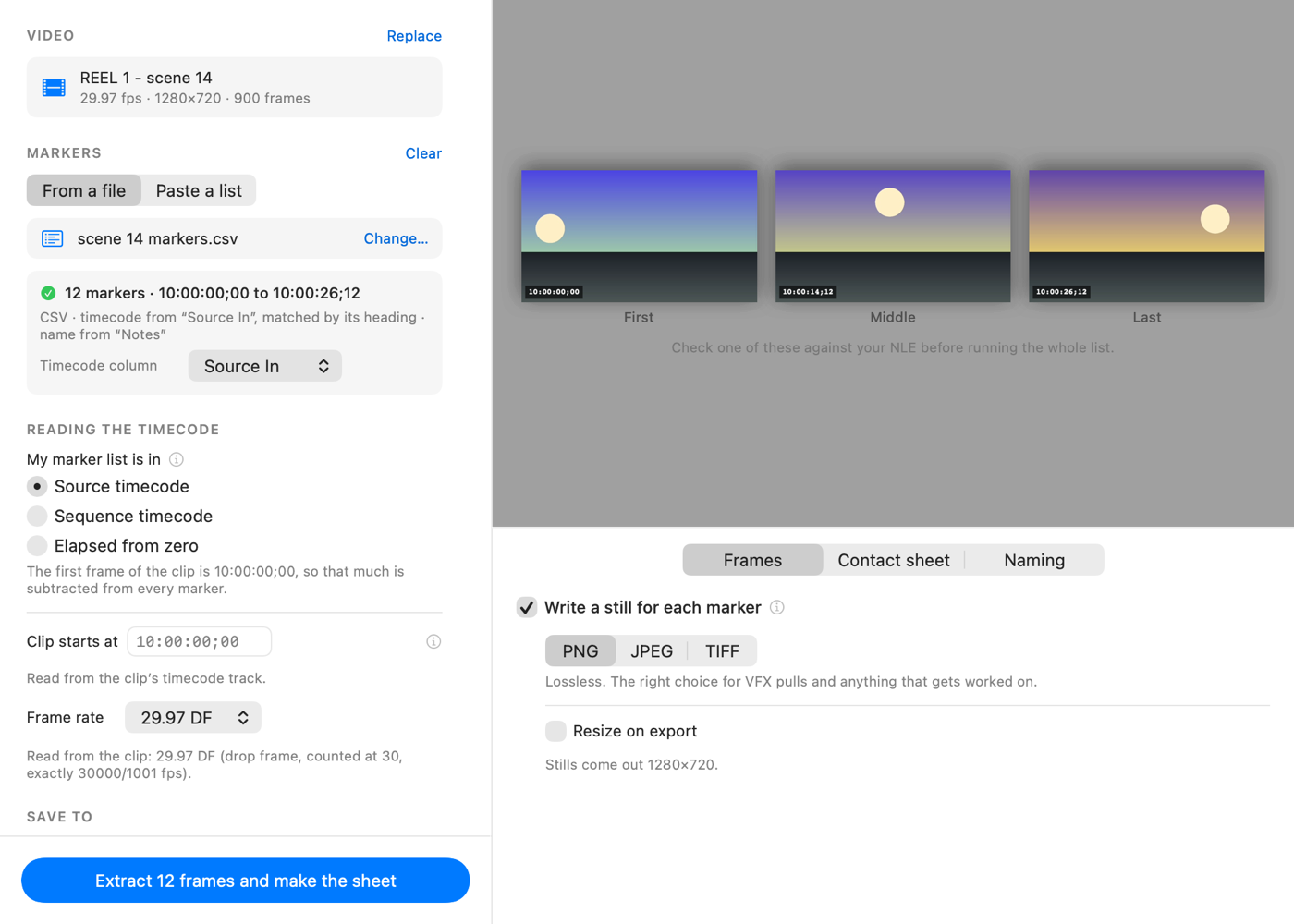
Give Pulls a cut and a list of marker timecodes. It writes one frame-accurate still for each marker that falls inside the clip, named so the files sort the way the markers did, plus a contact sheet PDF you can print. A marker that falls outside the clip is reported rather than quietly skipped.
It shows you what it read before it writes anything: how many markers, which column the timecodes came from, and what the first and last ones are. If it took the wrong column you change it there.
The frame you asked for
macOS’s own frame-grabbing API defaults to giving you the nearest keyframe rather than the frame you asked for. On H.264 with a keyframe every 30 frames, that can be more than half a second away. Pulls turns that off.
In testing on footage with a keyframe every 30 frames, the defaults handed back the wrong frame 14 times out of 15; with the setting corrected, every one was right. Twelve frame rates from 23.976 to 60, including 29.97 and 59.94 drop-frame, have each been checked across a full 24 hours of timecode.
What it is
- ReadsAny video AVFoundation opens. Markers as CSV, EDL (CMX3600) or FCPXML, apart from multicam and compound clips in FCPXML, which it skips and names.
- WritesPNG, JPEG or TIFF stills, and a contact sheet PDF you can print.
- TimecodeSource, sequence or elapsed. Drop-frame handled.
- NamingOrdinal, timecode and marker name, in the order you choose.
- NetworkOnce a day it asks oddlots.shop whether a newer version exists, and a switch in Settings turns that off. Help › Check for Updates asks whenever you choose. The request names neither you nor the version you have, and nothing downloads until you choose to install.
- NeedsA Mac with Apple silicon or Intel. Tested on macOS 26.
Every tool is sold under the terms set out in Principles & Terms.